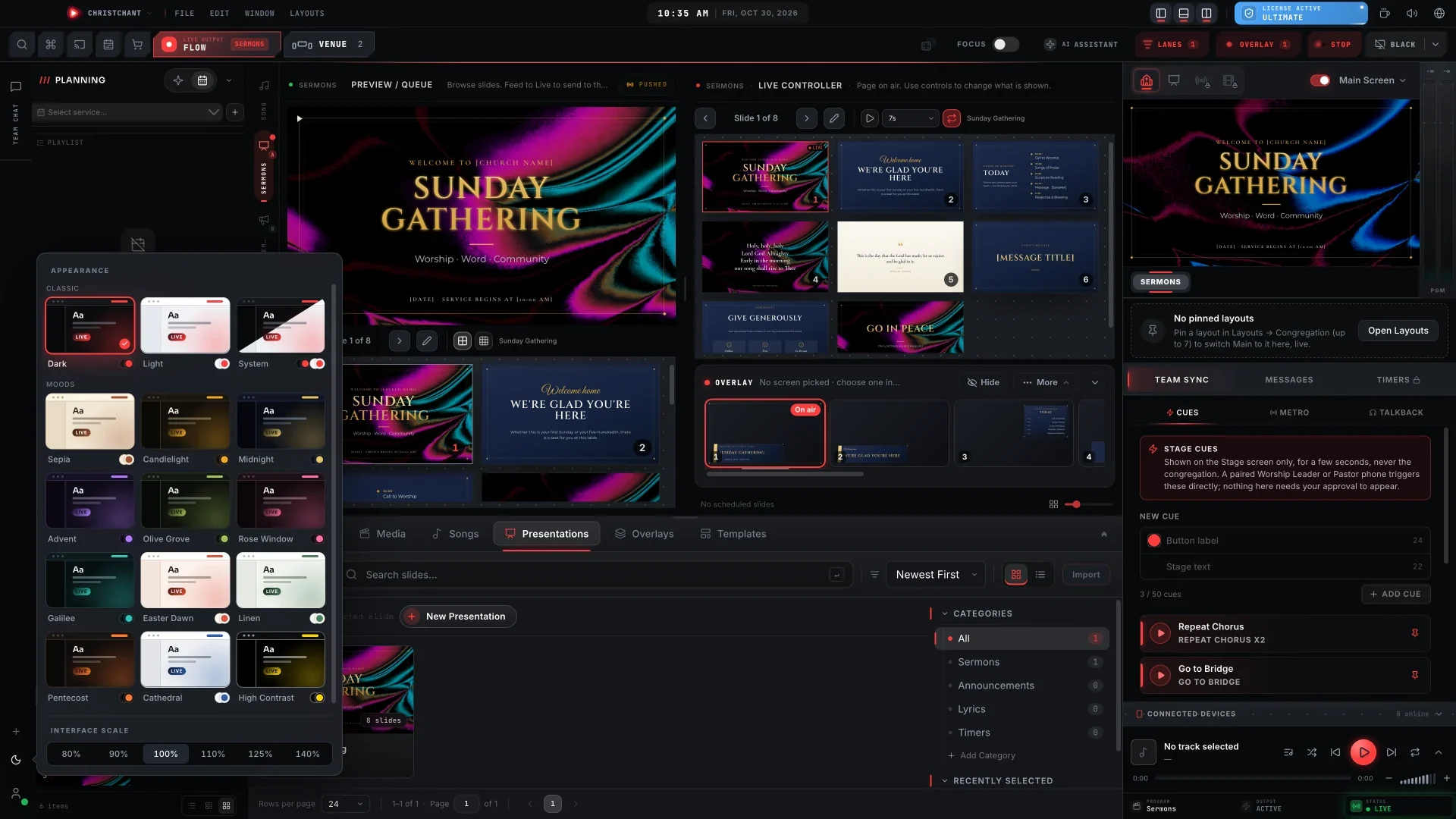
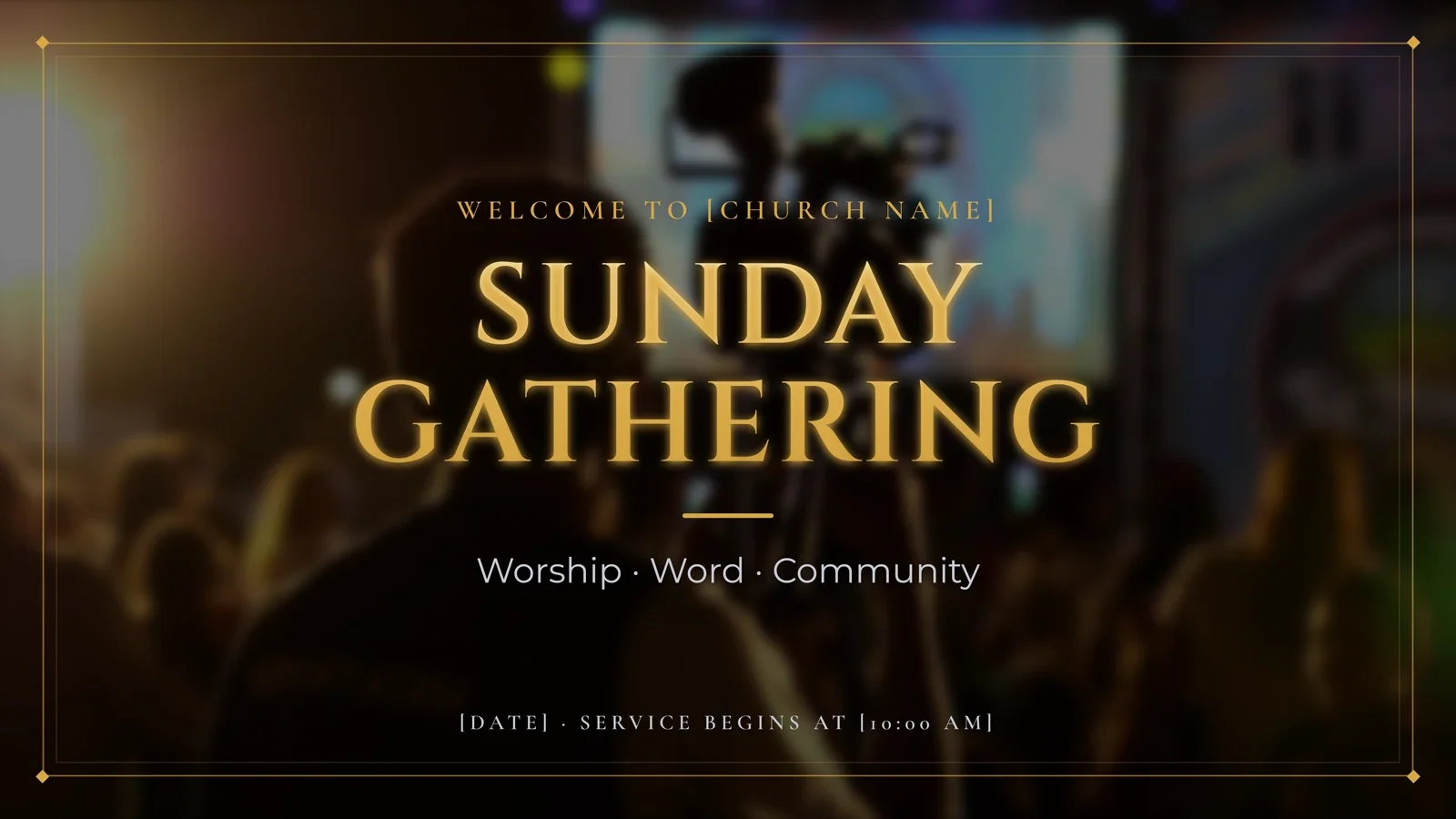
ChristChant 1.8.12 is about two things a church does every week: showing people what is happening on the stage, and telling the story of Sunday afterwards. It brings a new Camera panel, a built-in Video Editor, and the Slide Editor on Browser.
Your camera, behind any slide
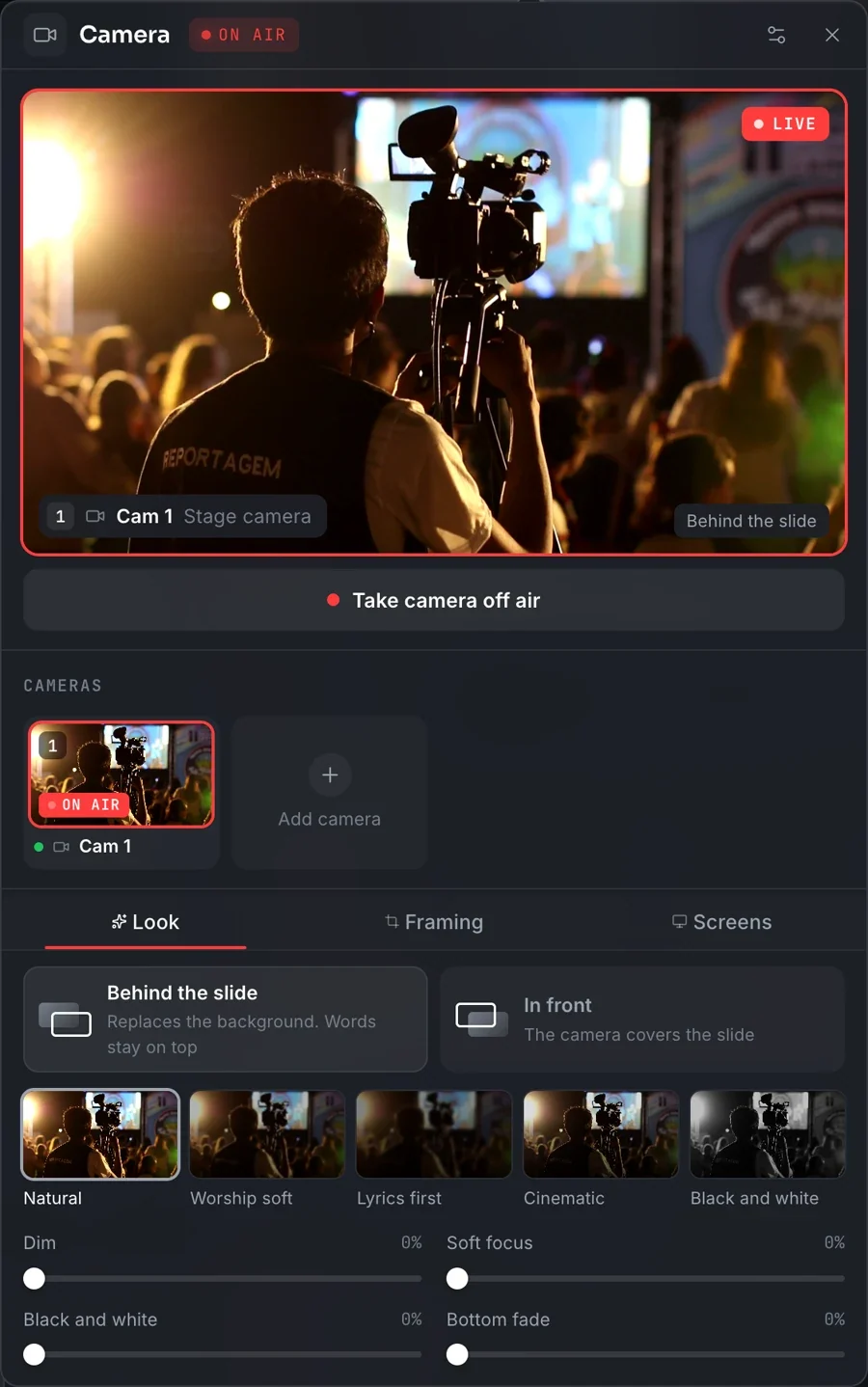
Click Camera above the Master Output monitor. The button is always there, whatever is live, so you can set your cameras up before the service starts.
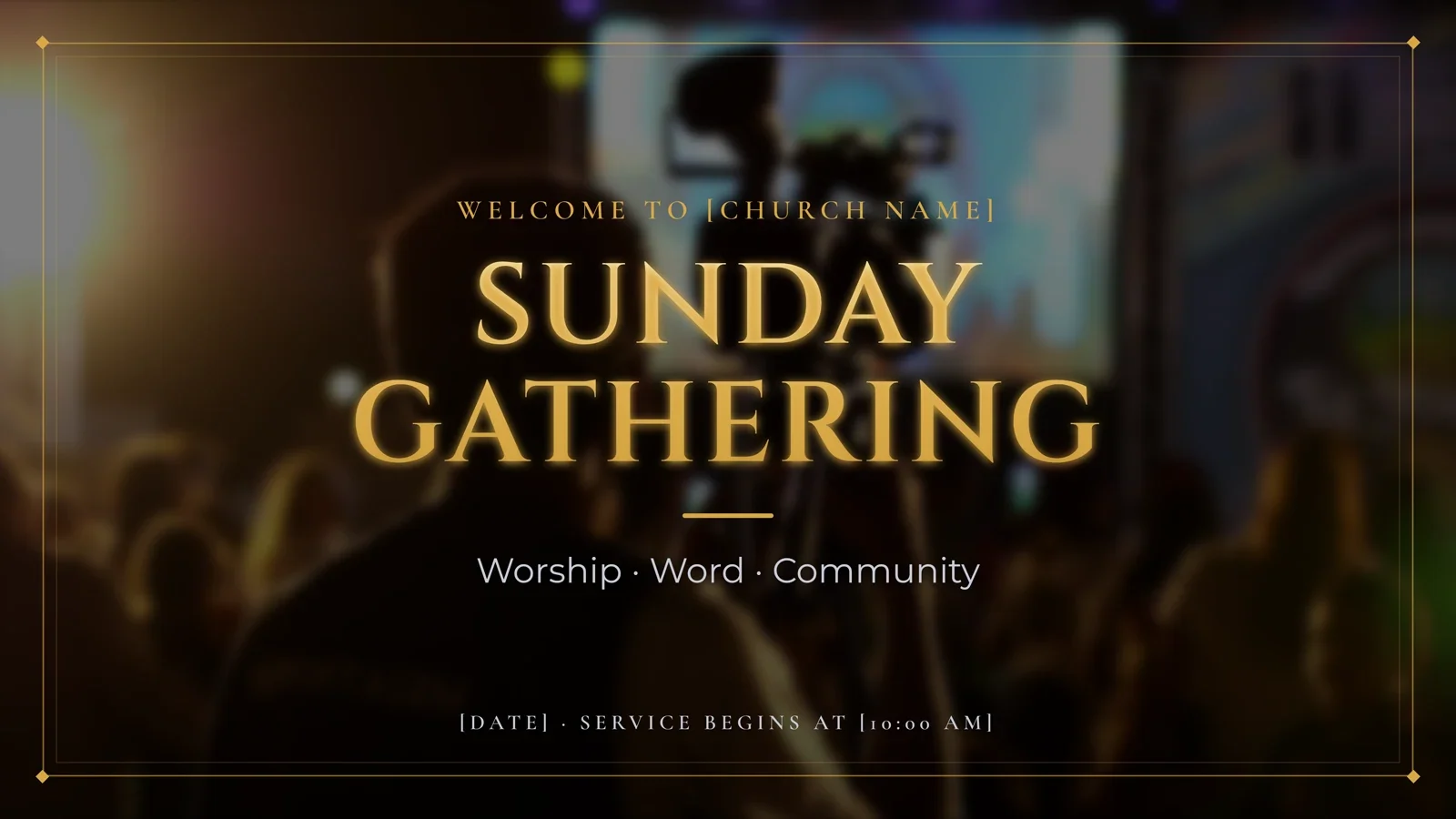
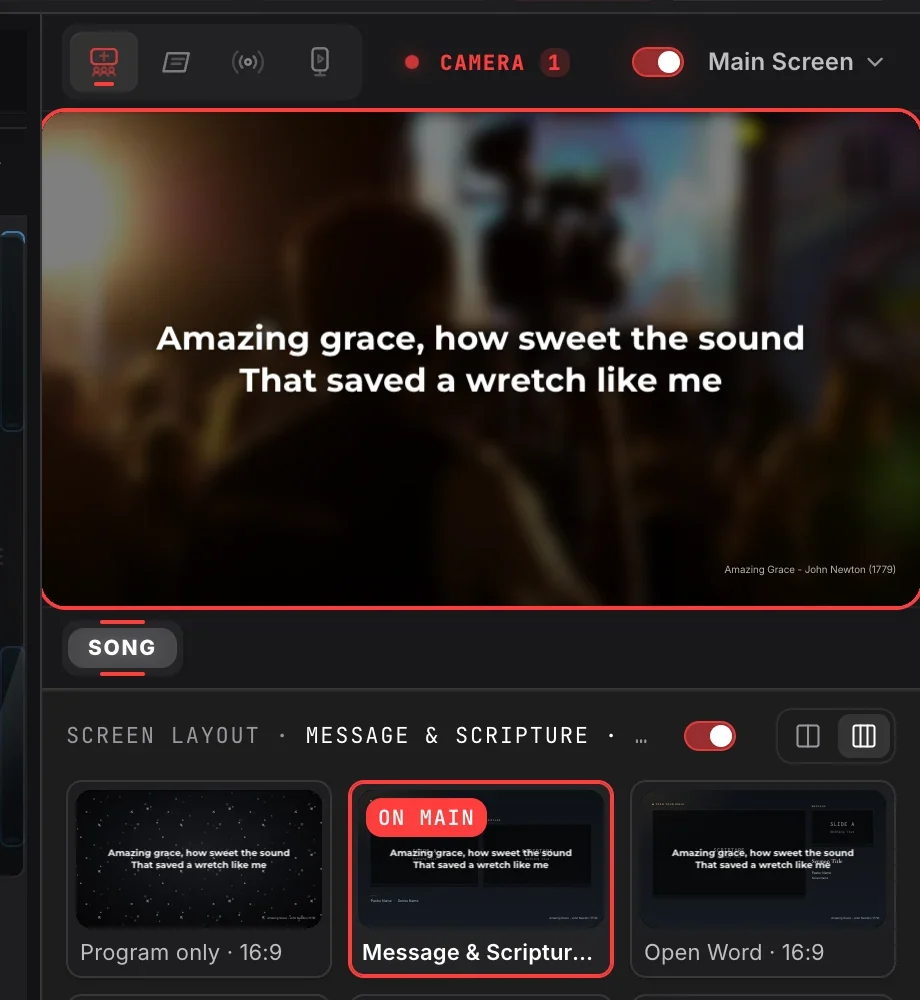
With Behind the slide, the camera replaces the slide's background and the words stay on top. It works for songs, Bible verses and presentations alike. Pick a look to keep every word easy to read: Natural, Worship soft, Lyrics first, Cinematic or Black and white, then fine tune it with Dim, Soft focus, Black and white and Bottom fade.
A phone, an IP camera, or both
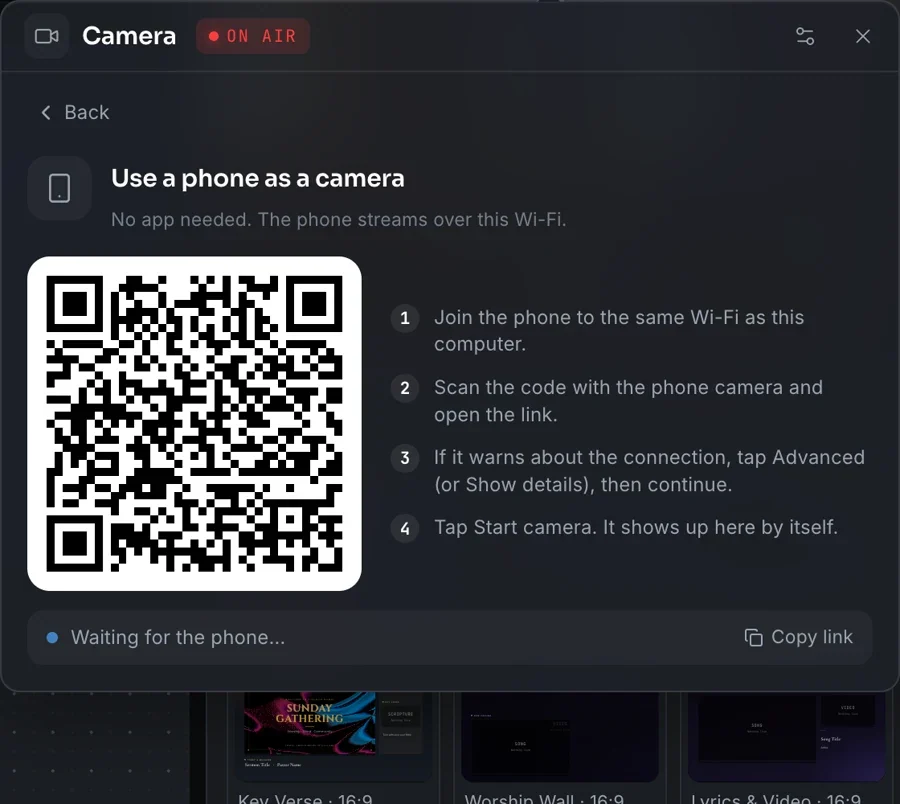
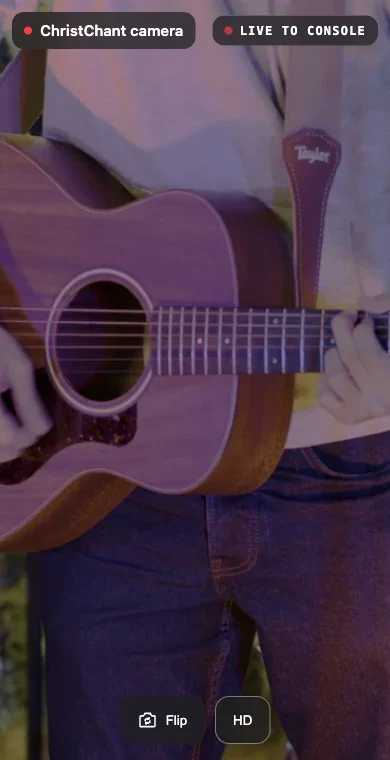
No spare camera? Use a phone. Click Phone camera and a QR code appears. Join the phone to the same Wi-Fi, scan the code and tap Start camera. There is no app to install, and the phone shows up in the panel by itself.
Network cameras work too: click IP camera, paste its RTSP address and give it a name. If it needs a login, it is kept encrypted on that computer only.
One key to cut
Add more cameras beside the first. Each one gets a number: press it, or click the card, to cut. The camera on air wears a red On air tag, and Fade, Cut or Dip to black sets how the cut looks.
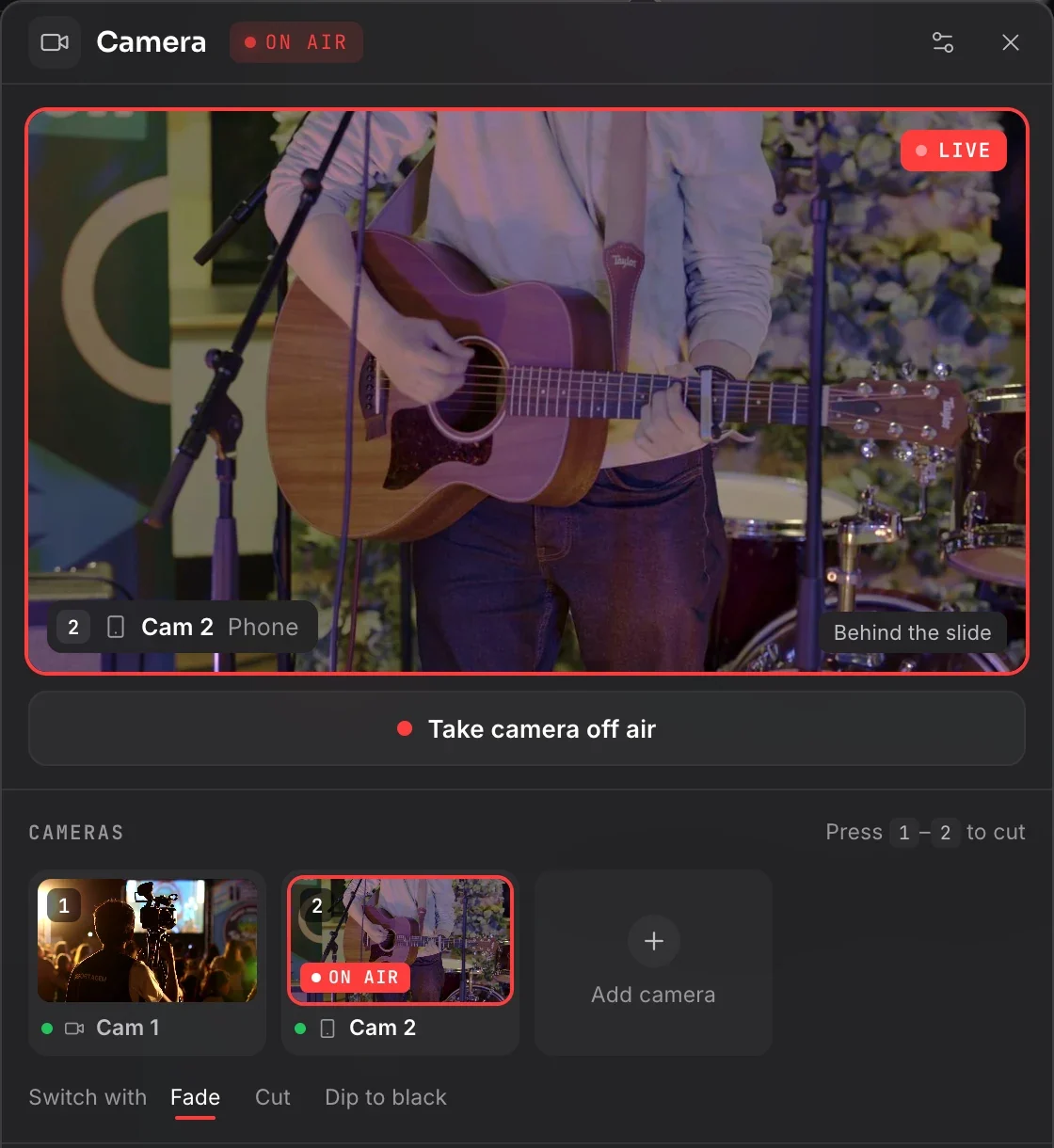
Camera, layout and template text
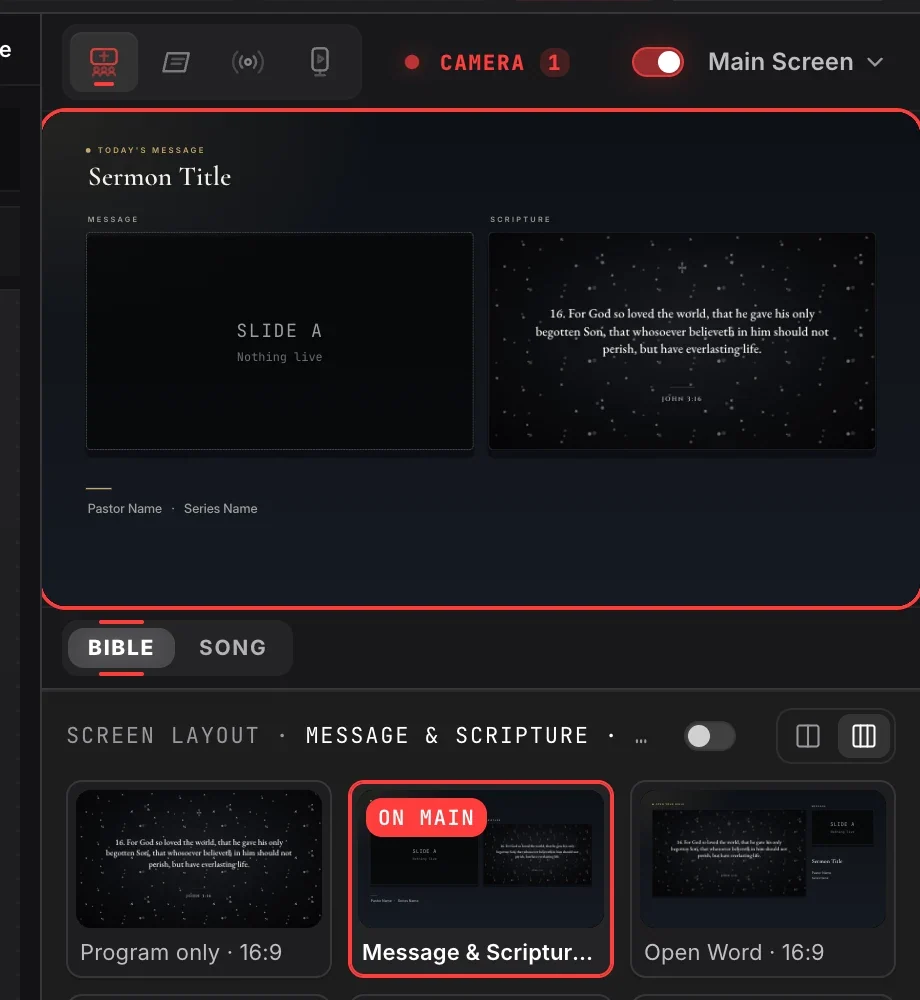
Using a pinned screen layout? The Text on layout switch beside the pinned cards decides what happens to the words, for lyrics and Bible verses alike. Switch it on, and the words are forced on top of the layout in their template text, whatever the layout holds, with the camera right behind them. Switch it off, and the layout shows its own content.
The live stream, with your logo
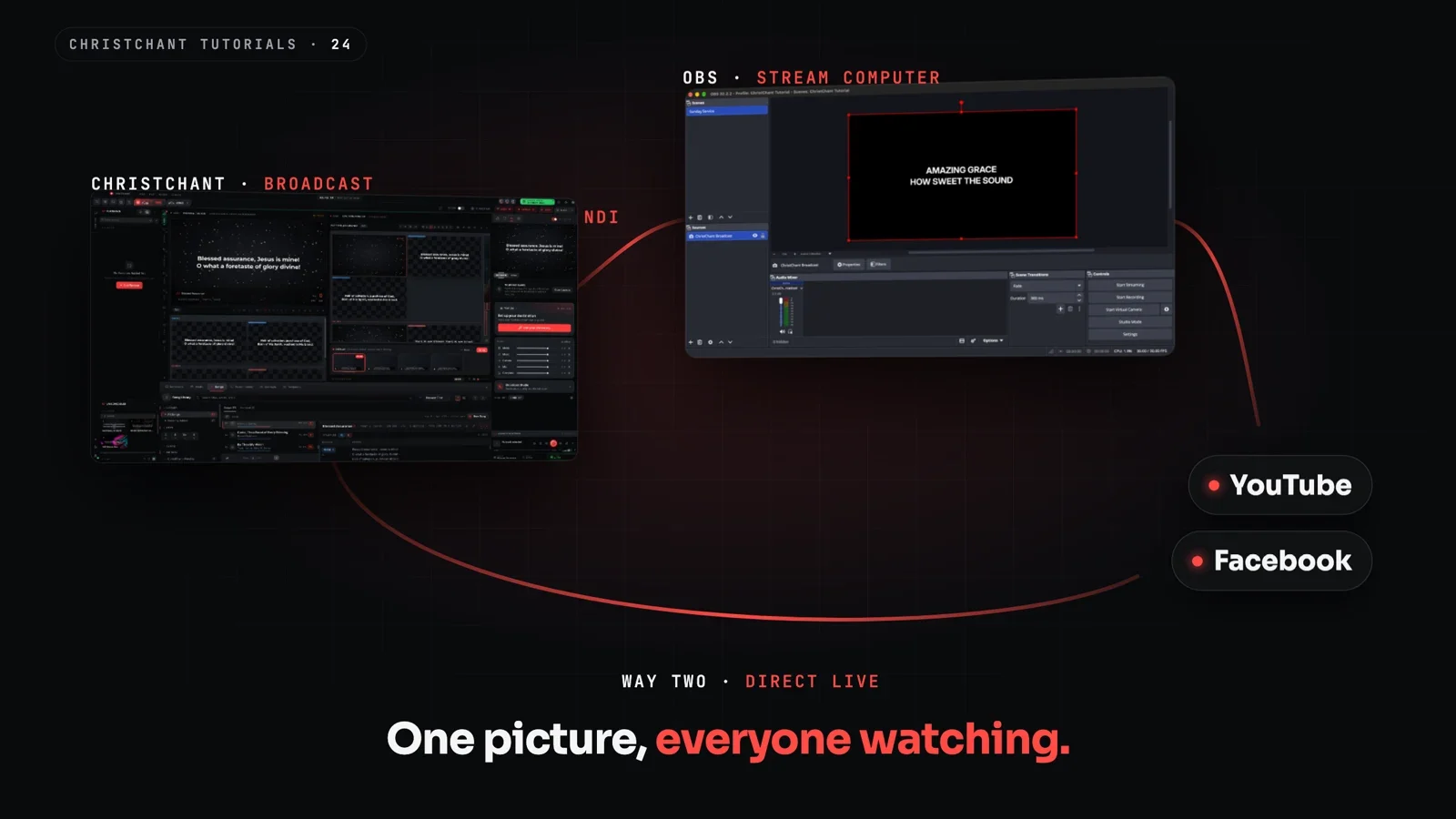
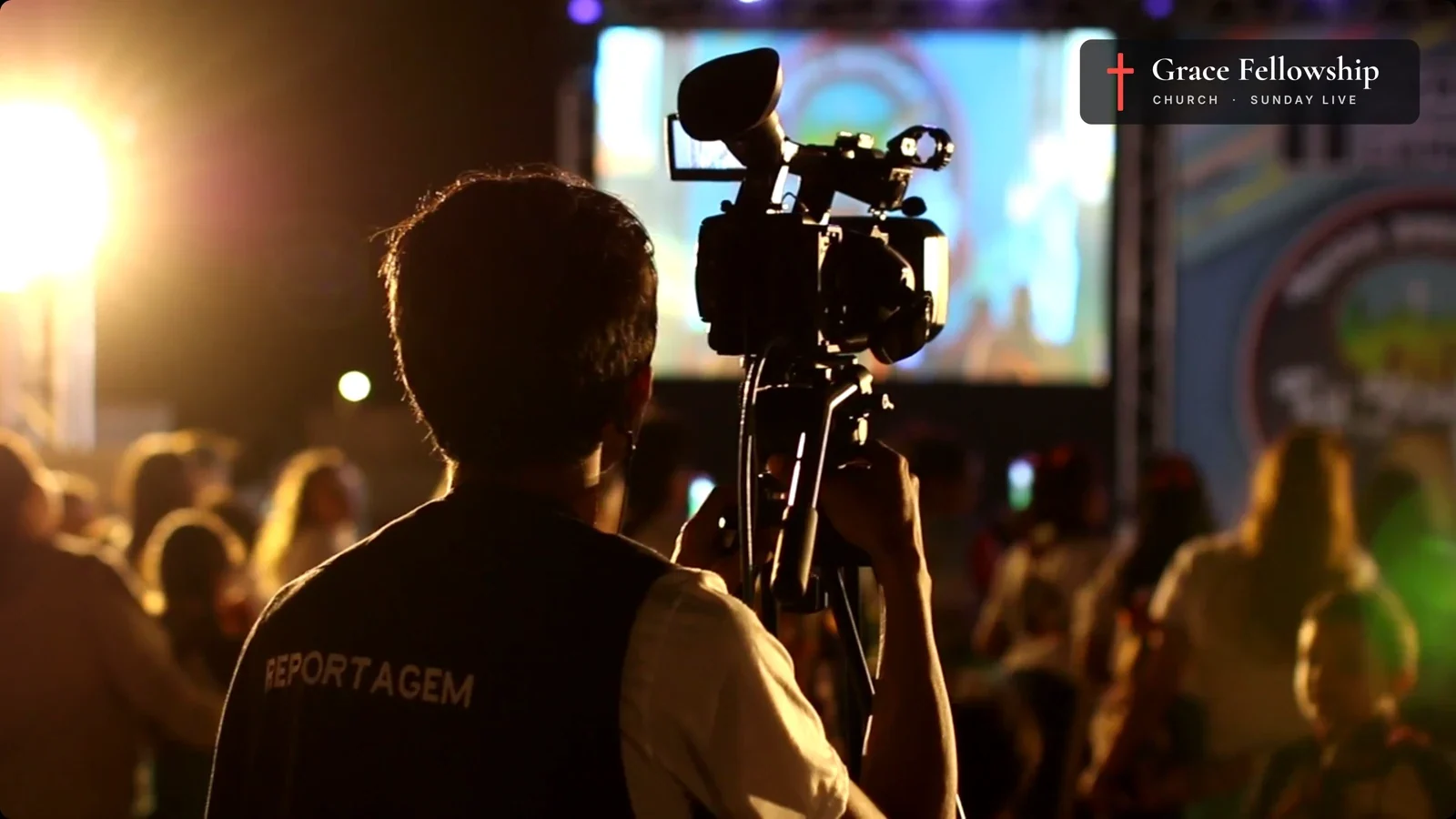
For the stream, make a Broadcast layout whose canvas is the camera: add a Camera in the layout editor and choose Fill the canvas, then pin it to Broadcast and put it on air from its card. Send the Lyrics overlay and your church logo to Broadcast, and online viewers get the camera full frame with the lyrics along the bottom and your logo in the corner, while the room keeps its own screen.
The Video Editor
Make your Sunday recap, an announcement or a reel without leaving ChristChant. Start a widescreen, vertical, square or portrait video, add clips, photos and a song, and build it on the timeline. The editor reads the song's tempo, so clips can end on the beat.

Add filters and motion, pick a ready-made text style for captions, worship, sermons, scripture and events, add transitions, and export.
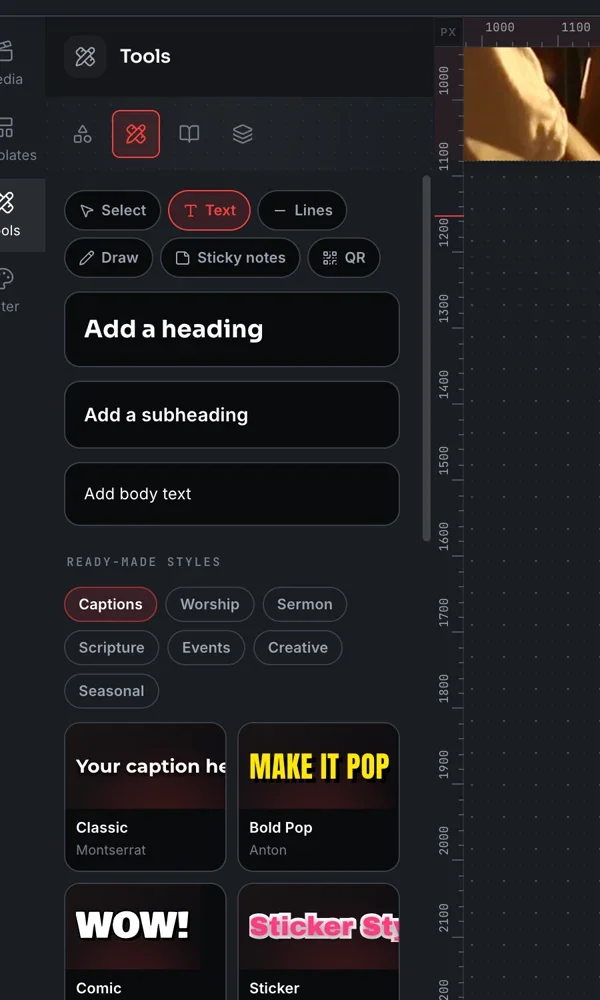
Your videos are kept in the editor, ready to change and export again.
The Slide Editor on Browser
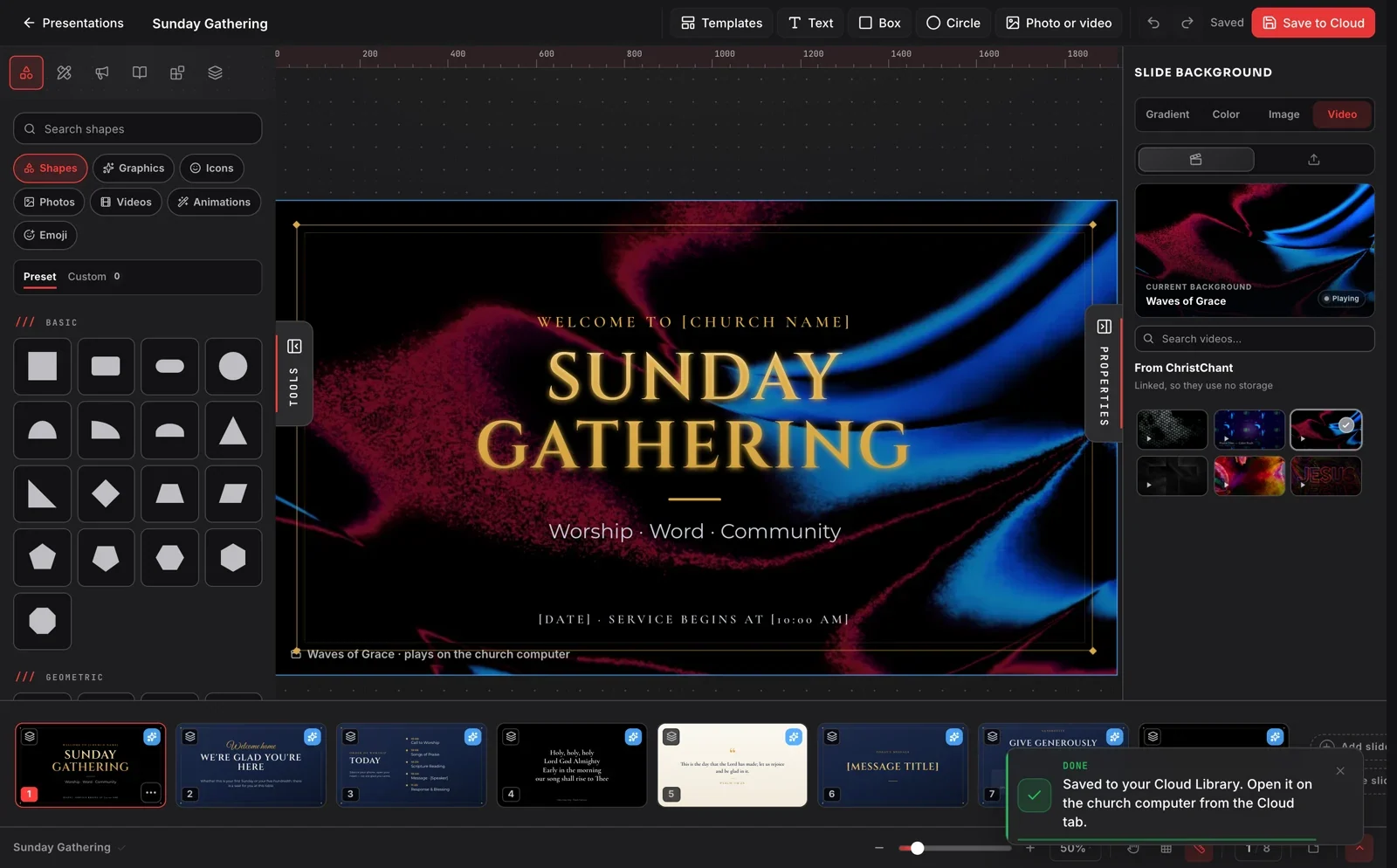
Saturday night and the church computer is at church? Open christchant.com, pick a ready-made template and make your slides in the browser.
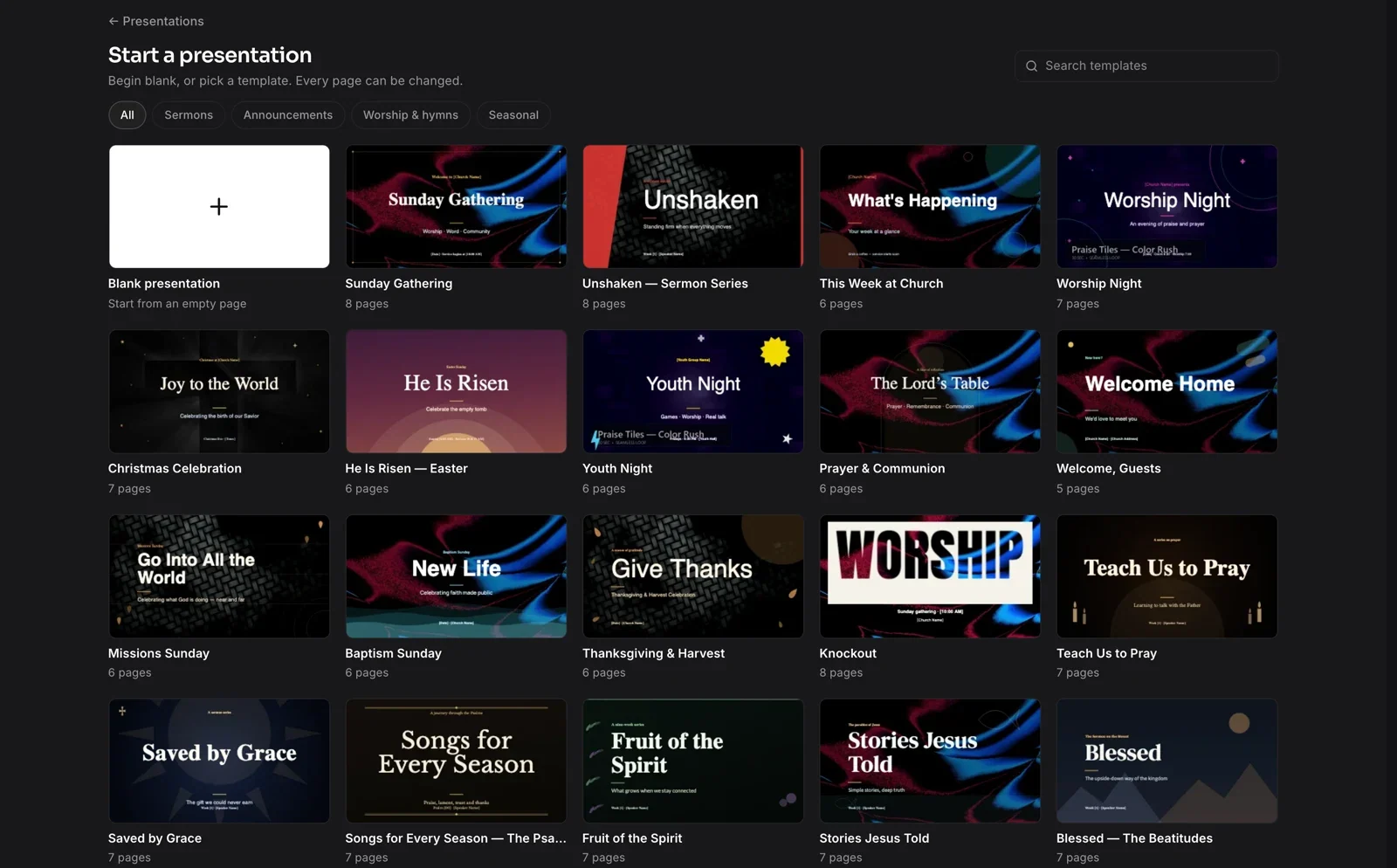
Save it to your church's Cloud Library, and on Sunday it is waiting on the church computer.
See it step by step
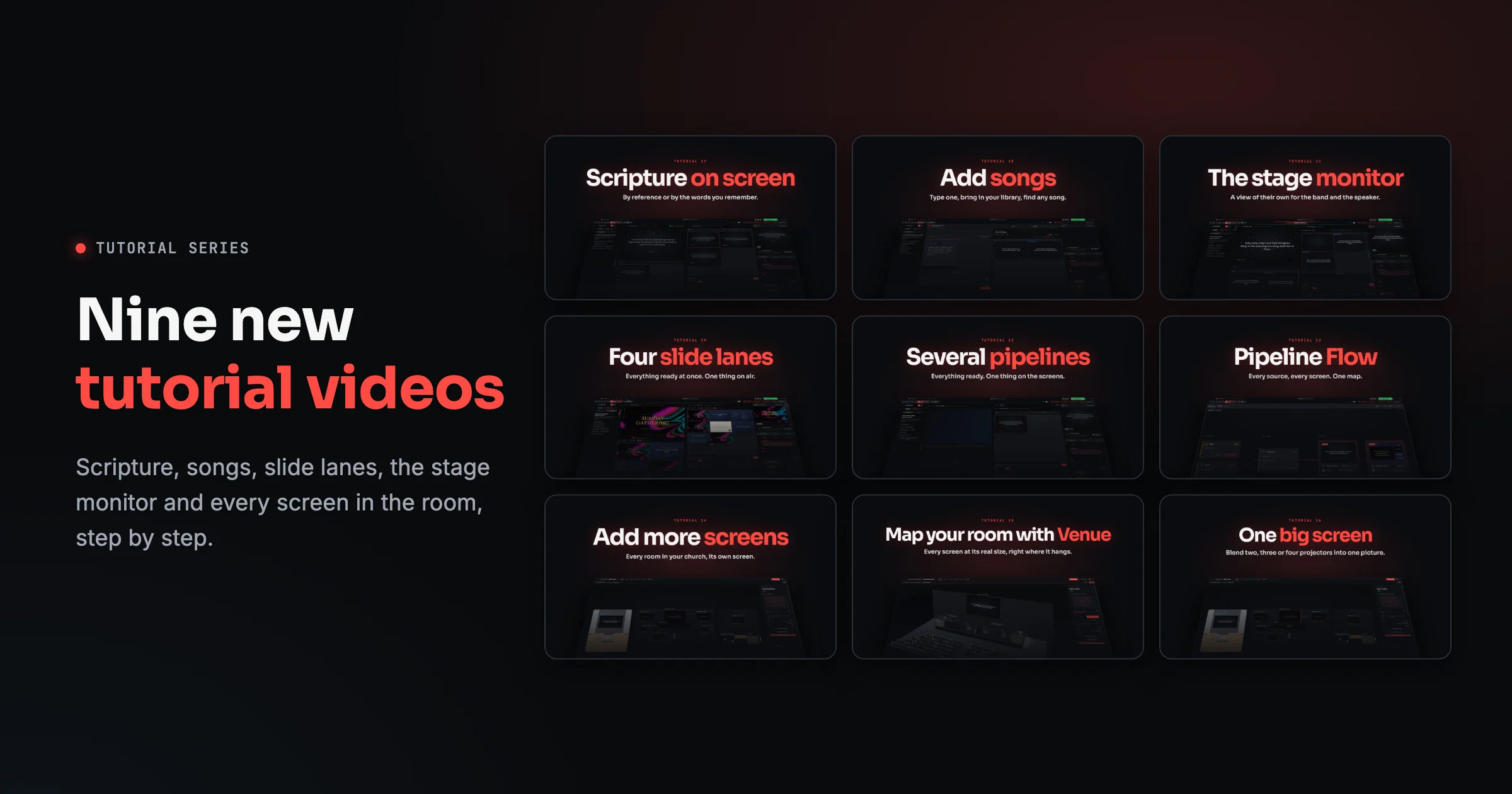
The new tutorial walks through every click, from connecting a camera to the finished stream: watch it on YouTube, or read the guide, Your camera, in the room and on the stream. The full list of changes is in the release notes.
ChristChant updates itself between services, never in the middle of one. New to ChristChant? Download it free.