Easter is often the biggest attendance of the year. A little planning keeps the media team calm when the room is full.
Four weeks out
- Confirm how many services you will run and who covers each one.
- Collect the song list, scripture readings and any videos.
- Order or download motion backgrounds and countdown videos early. Browse worship motion backgrounds and church countdown videos.
Two weeks out
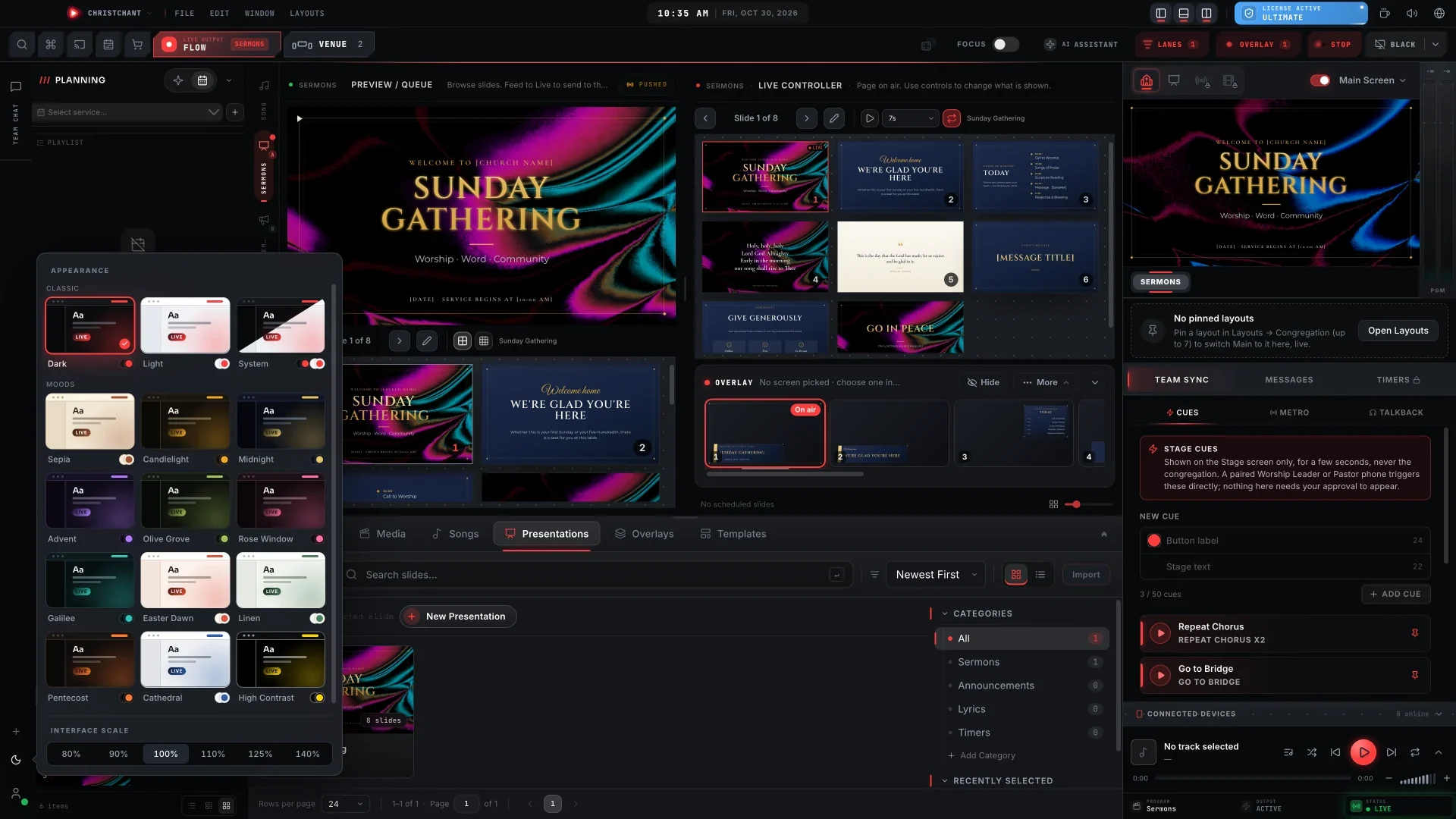
- Build the service plan in your presentation software.
- Import any slides from the pastor and the children's ministry.
- Check every video plays on the booth computer with the internet off.
One week out
- Run a full rehearsal with the worship team.
- Print the order of service for the booth.
- Confirm guest names, spellings and any special announcements.
Saturday
- Install updates now, not on Easter morning.
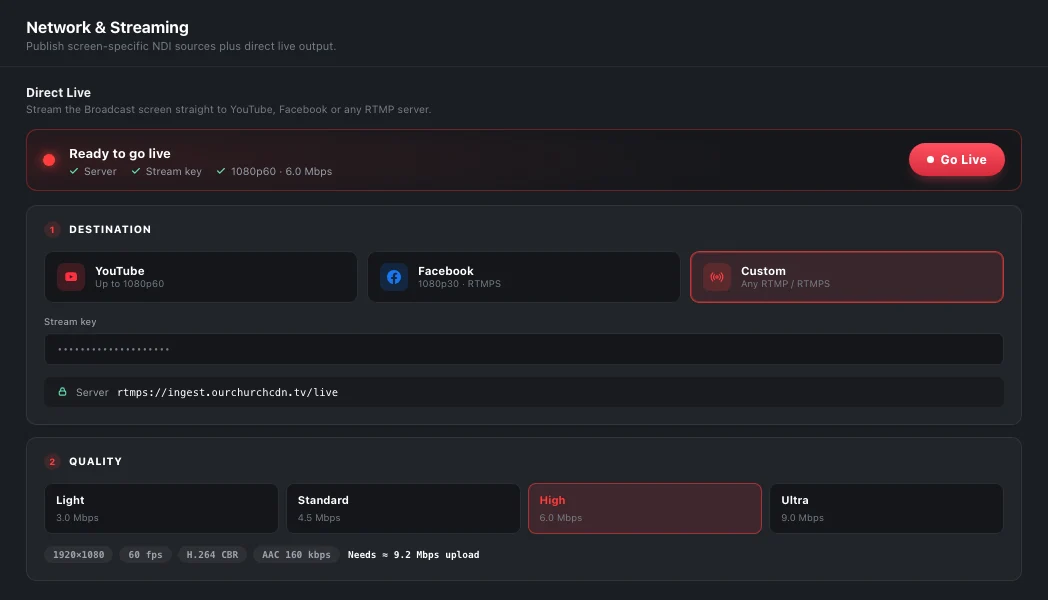
- Test every output: main screen, stage, lobby and livestream.
- Charge phones and remotes, and pack spare cables.
Easter morning
- Arrive early and leave time to fix problems.
- Put a welcome slide or countdown on screen as people arrive.
- Keep a backup laptop with the same library.
- Reset the service plan between services so the second service starts clean.

For online viewers
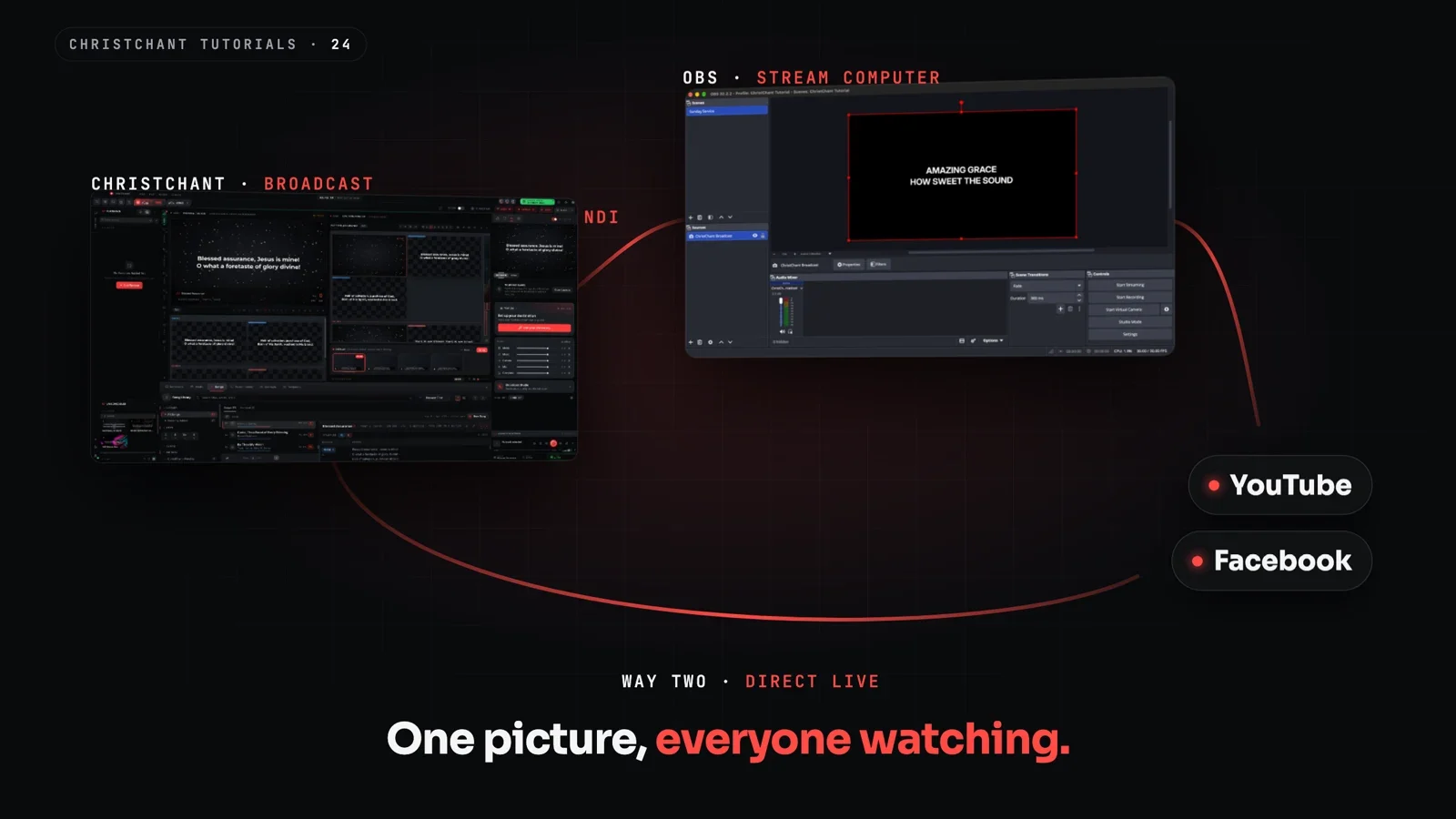
Make sure lyrics and scripture reach the stream as clearly as the room. See our guide to putting lyrics and scripture on your livestream.
After the service
Note what went well and what to change. Save the plan as a template for next year.